Home
Voice Library
Audio
AI VoiceNew
Text to Speech
AI Podcast
Voice Cloning
Visual
AI Image
AI Video
Explainer Video
Slides
Blog
English
Sign In
Download App

AI Image · Nano Banana · GPT-Image-2 · Seedream 5.0 Pro

AI Image Generator & Editor

Describe an image, then fix just the part that is off

Write the picture you want, or upload a reference; when something falls short, select that area and change only it.

  • One sentence to an image
  • Select a region to edit
  • Version history kept automatically
  • Common aspect ratios

A cinematic photo of two silhouettes shaking hands in front of a giant, glowing digital globe displaying international trade routes, set in a dark, high-tech boardroom with blue holographic lighting.

A hyper-realistic close-up of a futuristic voting ballot box made of glass and circuit boards, resting on a polished mahogany desk in a government office, illuminated by warm sunlight from a window.

A minimalist 3D isometric render of a smart city growing out of a stack of gold coins and legal documents, symbolizing the intersection of urban policy and venture capital, with clean white studio lighting.

A cinematic photo of two silhouettes shaking hands in front of a giant, glowing digital globe displaying international trade routes, set in a dark, high-tech boardroom with blue holographic lighting.

A hyper-realistic close-up of a futuristic voting ballot box made of glass and circuit boards, resting on a polished mahogany desk in a government office, illuminated by warm sunlight from a window.

A minimalist 3D isometric render of a smart city growing out of a stack of gold coins and legal documents, symbolizing the intersection of urban policy and venture capital, with clean white studio lighting.

A cinematic photo of two silhouettes shaking hands in front of a giant, glowing digital globe displaying international trade routes, set in a dark, high-tech boardroom with blue holographic lighting.

A hyper-realistic close-up of a futuristic voting ballot box made of glass and circuit boards, resting on a polished mahogany desk in a government office, illuminated by warm sunlight from a window.

A minimalist 3D isometric render of a smart city growing out of a stack of gold coins and legal documents, symbolizing the intersection of urban policy and venture capital, with clean white studio lighting.

How to generate and edit images

  1. 1

    Pick the model

    Nano Banana, GPT-Image-2 and Seedream 5.0 Pro all sit in the same editor, so you can try another one on the same prompt instead of moving to another tool.

  2. 2

    Describe it, or show it

    Write what the subject is and how it should look, and add up to five reference photos when words alone will not pin it down.

  3. 3

    Fix one region at a time

    Select the part that is wrong and say what it should be instead. The rest of the frame is untouched, so a fix never costs you the parts you already liked.

  4. 4

    Step back through versions

    Every generation and every edit is kept as its own version. Compare them, return to any one, and download the original file.
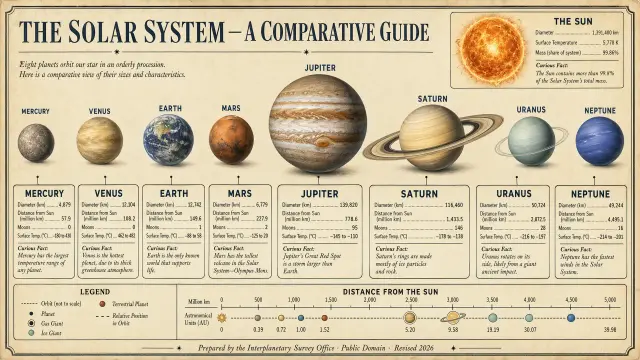
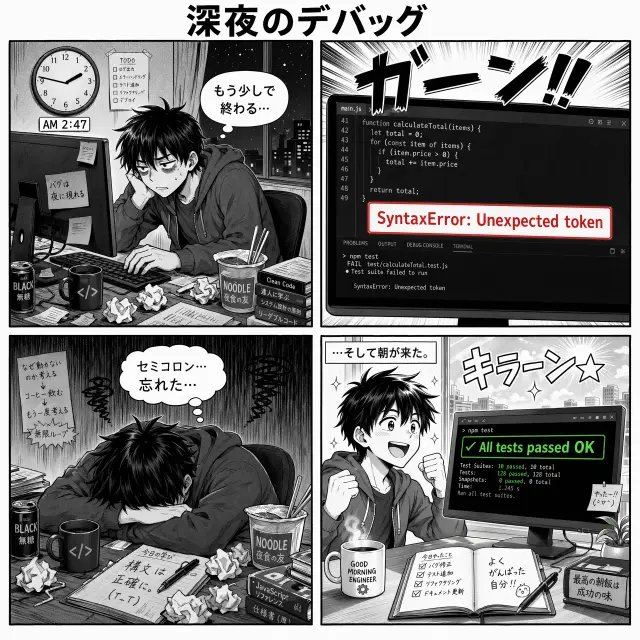
What you can create

Fixing the one thing that is off

A good image with a wrong hand, sign, or colour does not need regenerating. Select that area and change only it.

Covers and thumbnails

Image refs

Drop files here to upload

Only supports .jpg, .jpeg, .png, .webp file

No projects yet

Produce the 16:9 or 1:1 art a video, episode, or post needs, at the ratio it will be shown at rather than cropped later.

Restyling a photo you already have

Upload your own image as a reference and take it somewhere else, keeping the composition you started from.

Comparing models on one idea

Run the same prompt through a different model and keep both results side by side in the version history.

AI Image Generator FAQ

Which models can I use?

Nano Banana, GPT-Image-2 and Seedream 5.0 Pro. You switch between them in the same editor, and the results from each sit together in the version history for comparison.

Can I edit part of an image instead of regenerating it?

Yes, that is the point of the editor. Select a region, describe the change, and only that area is regenerated. The edit is saved as a new version rather than replacing the previous one.

What is an AI image generator?

It turns a written description, or a photo you upload, into a new image. You describe the result instead of drawing or shooting it.

Can I start from my own photo?

Yes. Upload up to five reference images in JPG, PNG, or WebP and they steer the generation.
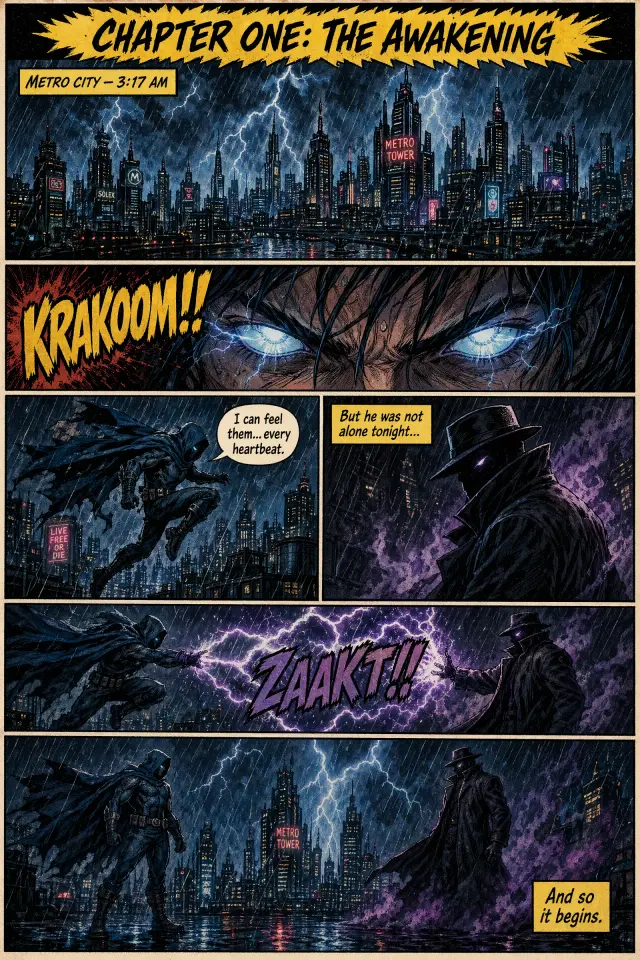
What sizes can I get, and how many at a time?

Eight aspect ratios between 1:1 and 21:9, three quality levels, and one, two, or four images per run.

Can I use the images commercially?

Yes, in personal and commercial work. Check the current terms for what applies to your plan.

Where to go instead

  • AI Video Generator

    When the shot has to move — turn a still image or a prompt into footage.

  • AI Slides Generator

    When the outcome is a deck you will present, not a video you will publish.

  • AI Explainer Video Generator

    When the point needs showing as well as saying — narration over visuals that follow along.