Storybook: turn an idea into an illustrated, narrated story
ListenHub Storybook turns a prompt and an optional reference image into an illustrated, narrated story, then exports it as video, audio, or subtitles.
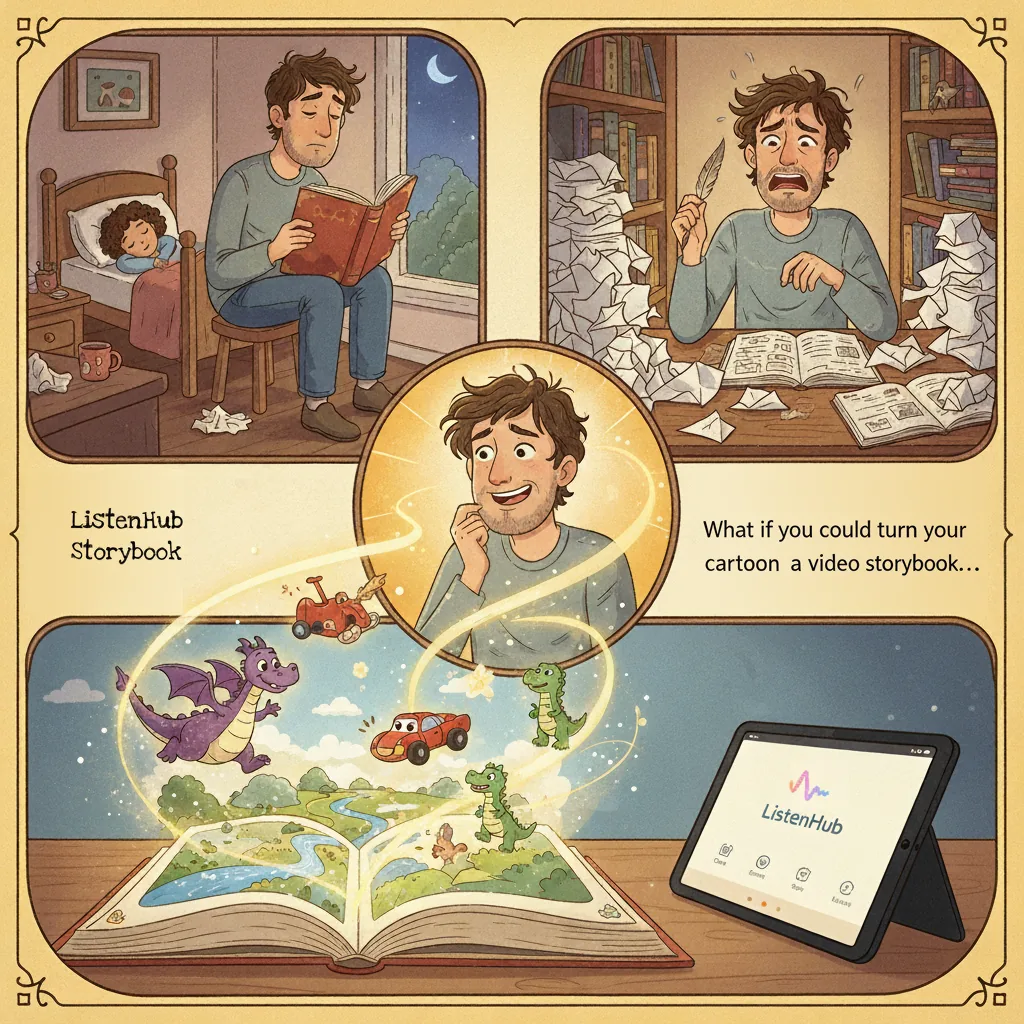
Our CTO, Kris, is a new father. For months, the same three words met him every evening: "Daddy, read story."
Like most parents, he ended up telling the same few stories on repeat. Inventing a new one on the spot sounds easy until you try it. You need a character the kid actually cares about, a plot that goes somewhere, and pictures to look at — and you need all of it before bedtime falls apart.
He works at an AI content company, so he asked the obvious question: why aren't we solving this?
When he brought it to the team, the idea got bigger than bedtime. Everyone has a story they'd tell if the production work weren't in the way. A world built around your kid. An explanation that finally lands. A joke you want to see animated. That's what Storybook is for.
What Storybook makes
You write a prompt. Storybook writes the story, illustrates every page in one consistent style, narrates it, and hands back something you can watch, download, or post.
Storybook lives in ListenHub under the Explainer Video tab. Choose Storytelling mode for narrative scenes, or Infographic mode to point the same machinery at an explanation instead of a story.
How it holds a story together
Characters that stay recognizable
The hard part of an illustrated story is not drawing one good picture. It's drawing the same character twelve times and having it still look like the same character.
Upload a Reference Image and the thing you care about — your kid, your dog, a toy excavator — anchors the art for the rest of the story. Skip it and the style still stays consistent from page to page; you just leave the casting to us.
Narration that carries the scene
Every story is read aloud by the same engine behind ListenHub's text to speech. It reads for meaning rather than for syllables, which is the difference between a story and a document being pronounced at you. You can hear the range in the voice catalog, and there is a longer write-up on how the engine handles written text in our post on written-to-spoken TTS.
Your call on plot, style, and length
The prompt sets the tone, the cast, the ending, and the look. Set the page count yourself or leave it on Auto and let the model size the story to the idea. Pick the aspect ratio to match wherever it's going — square for a feed, vertical for a phone.
Three stories from our team
Rusty the Friendly Digger. Kris finally answered the bedtime request with his son's favorite toy. The whole prompt was one line: "A story about a friendly excavator for my two-year-old boy." The kid sat through the entire thing.
Lily and the Pixelated Portal. A longer prompt, plus a reference image for the main character: "a little girl named Lily, who is very curious and brave. One day, she gets pulled through an old video game console into a virtual world made of pixels and data streams... The story should be heartwarming, imaginative, and visually descriptive." Detail in, detail out.
Link's Milk Mission. Then someone realized you could run a Legend of Zelda side-quest through Wes Anderson's color palette and symmetry. So we did.
Making one
- Open Explainer Video in ListenHub and switch to Storytelling mode.
- Describe the story. One sentence is enough; a paragraph gives you more control. Add a Reference Image if a specific character has to appear.
- Set the page count and aspect ratio, then hit Create.
When it's done, export it as a video, pull the narration out as audio on its own, or grab an SRT subtitle file if you're cutting it into something else.
What it costs
A ten-page story runs about 150 credits, and exporting the finished video costs another 15. Image resolution is the main lever: 15 credits per 2K image, 30 per 4K. Stories can run up to twenty pages, and anything past five needs a paid plan.
Plans start at $12 a month — $9 if you pay annually — for 1,300 credits a month. Free accounts get a credit grant that renews on a cycle, so you can make a few stories before deciding. Current amounts are on the pricing page, and the credits guide explains how the different credit types are spent.
Who it's for
- Parents. Bedtime stories starring your own kid, your pet, or the toy that never leaves their hand.
- Educators. Photosynthesis, the fall of Rome, compound interest — as something a class will actually watch.
- Creators. A format you can turn around in an afternoon, in whatever aspect ratio your platform wants.
Made-up worlds are how people have always handed things down: to a kid at bedtime, to a room that isn't paying attention, to whoever happens to be watching. Telling the story was never the hard part. Drawing it, voicing it, and cutting it together was. That's the part we took off your hands.