ListenHub 101: create your first AI podcast
A five-step walkthrough of your first ListenHub episode: type a topic, set the length, pick two hosts, and get a finished podcast in a few minutes.
Welcome to ListenHub. This is the shortest path from "I have a topic" to "I have a podcast I can listen to": five steps, and most of the wait is the machine working rather than you.
You need an account and a topic. Nothing else. New accounts come with credits to try things out, and the pricing page lays out what each plan includes.
Step 1: type what you want to hear about
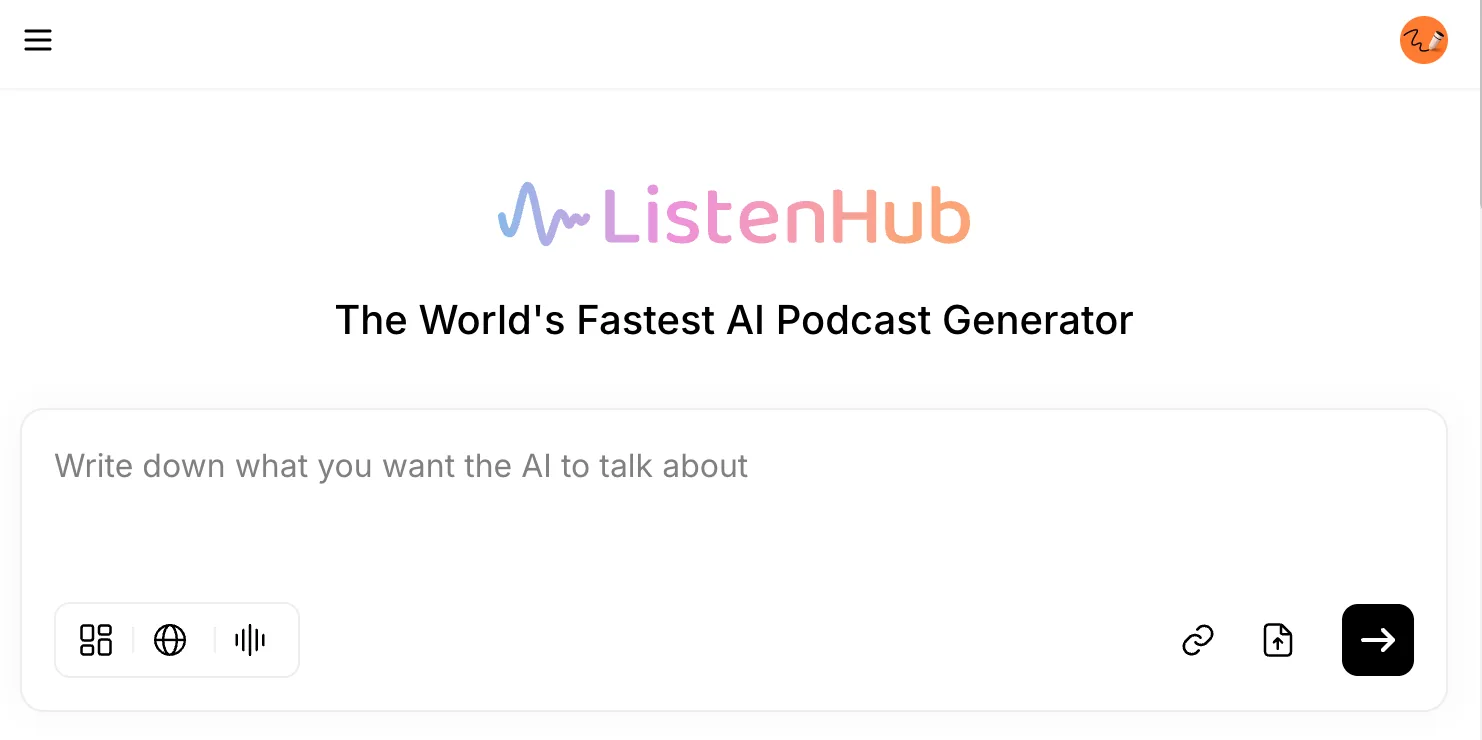
Open the podcast tool. The home screen is mostly one big input box asking what you want the AI to talk about.
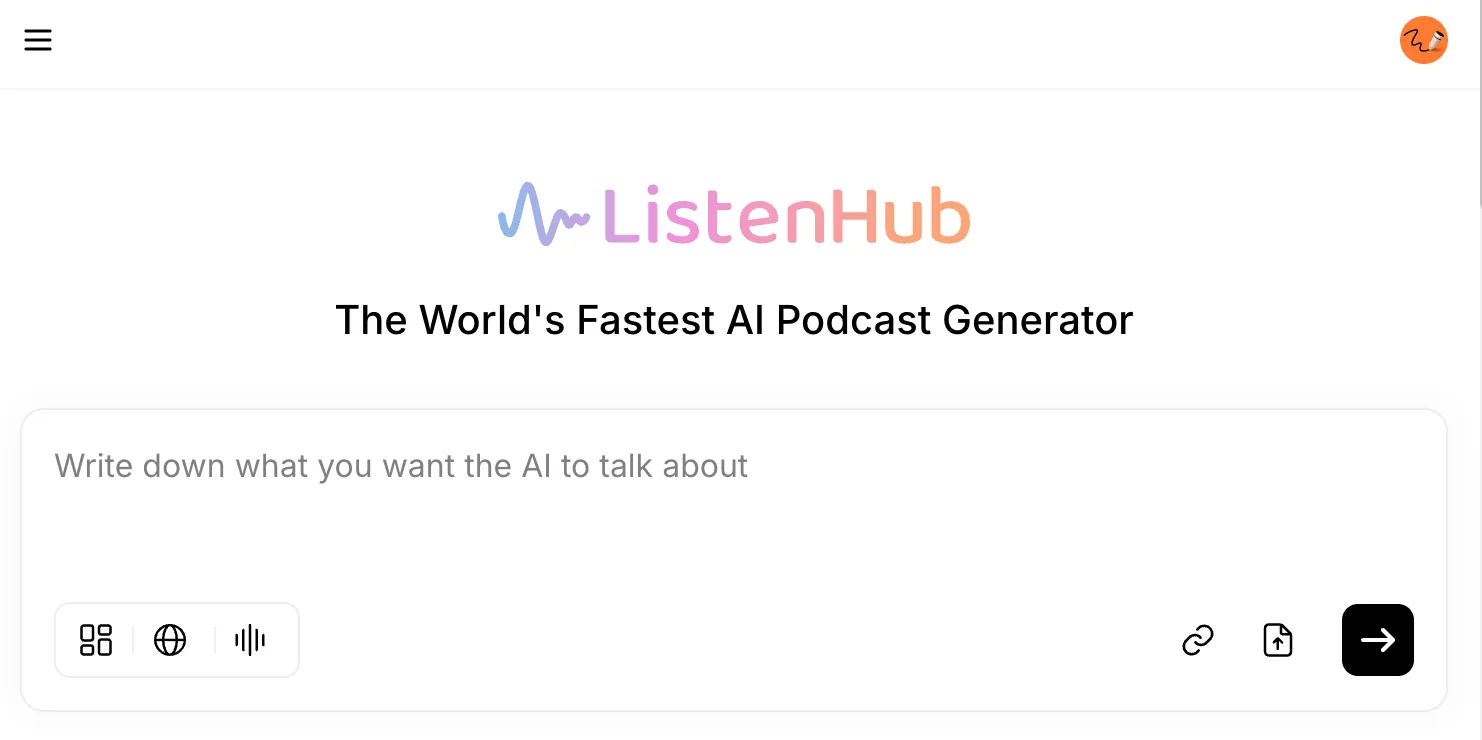
Type a topic. A phrase works, so does a question, so do a couple of sentences of direction. For this walkthrough we used "coldplay gate", the story that was everywhere in July 2025.
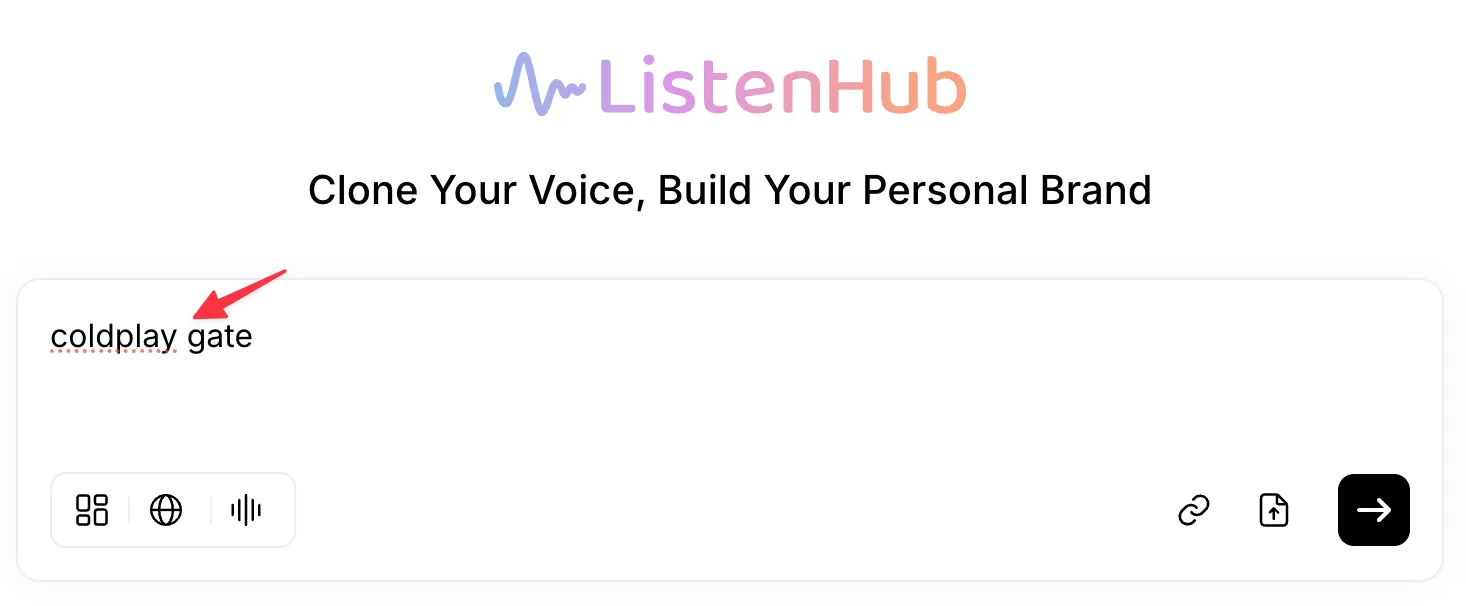
You can also paste a link or upload a file instead of typing. Those controls sit on the right-hand side of the input box, and generating a podcast from your own files covers that path in detail.
If you only want to hear what this sounds like, hit create now and skip to step 4. Steps 2 and 3 are the settings worth learning once.
Step 2: pick a length
The row of chips under the input box controls how the episode gets made. The first chip sets length.
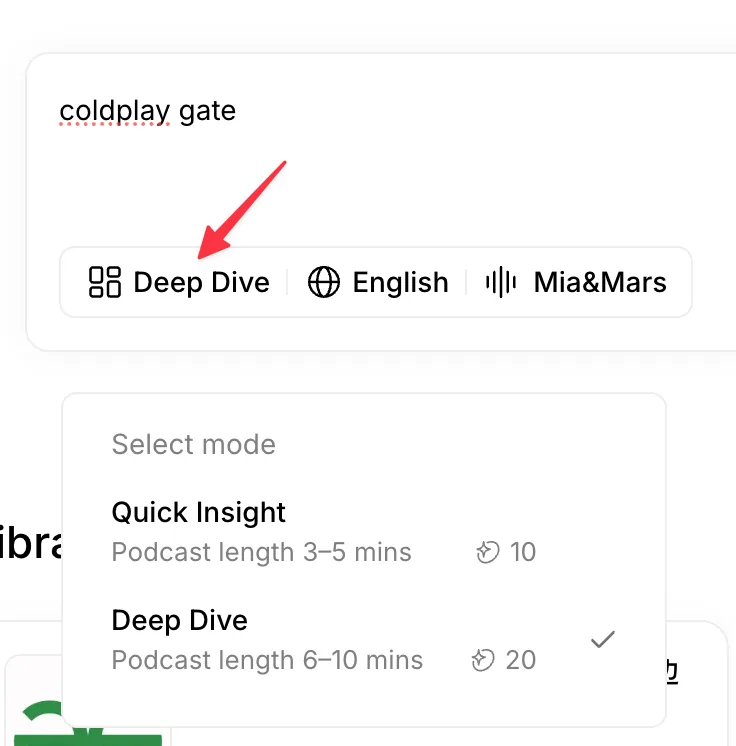
There are two modes:
- Quick Insight gives you a 3 to 5 minute episode. Enough to get the shape of a topic.
- Deep Dive runs 6 to 10 minutes, with more background and more back-and-forth between the hosts.
Each mode lists its credit cost next to it. Those numbers have moved since this screenshot was taken in July 2025, so read the cost in the picker rather than the one in the image. As a current reference point, a five-minute podcast runs about 24 credits. The credits guide explains how the credit system works.
Treat the mode as a target rather than a ceiling. Dense topics run long: the Deep Dive in this walkthrough came back at 17 minutes.
Step 3: choose the language and the voices
The other two chips set the spoken language and pick your two hosts.
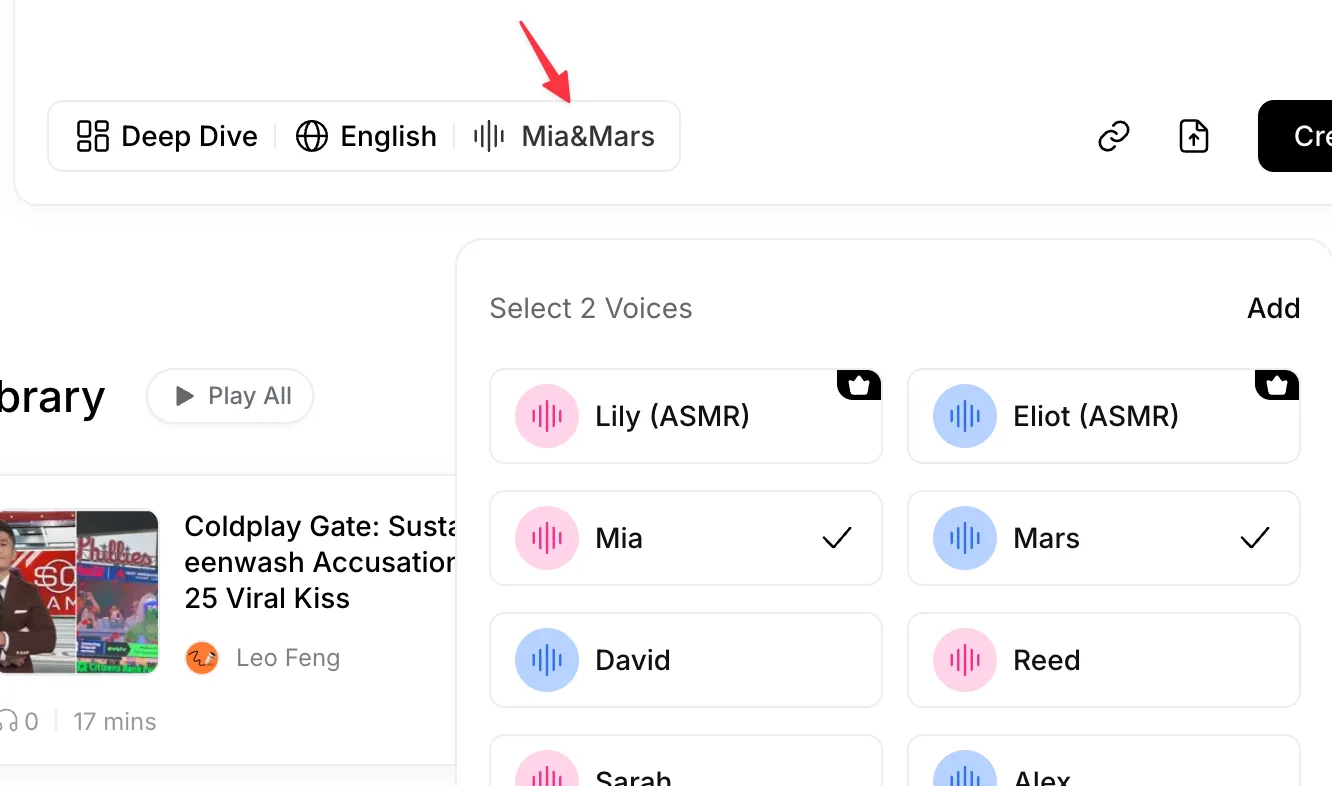
Three things worth knowing here:
- Every voice has a preview. Play it before you commit; reading a name tells you nothing.
- You pick two, because the format is a conversation. Voices that contrast, in pitch or in energy, are easier to tell apart over 10 minutes.
- Add drops your own cloned voice into the list. Voice cloning takes a few minutes, and the full voice catalog is browsable before you start.
Step 4: create, then walk away
Hit create. ListenHub researches the topic, works out what matters, then writes and records the conversation.
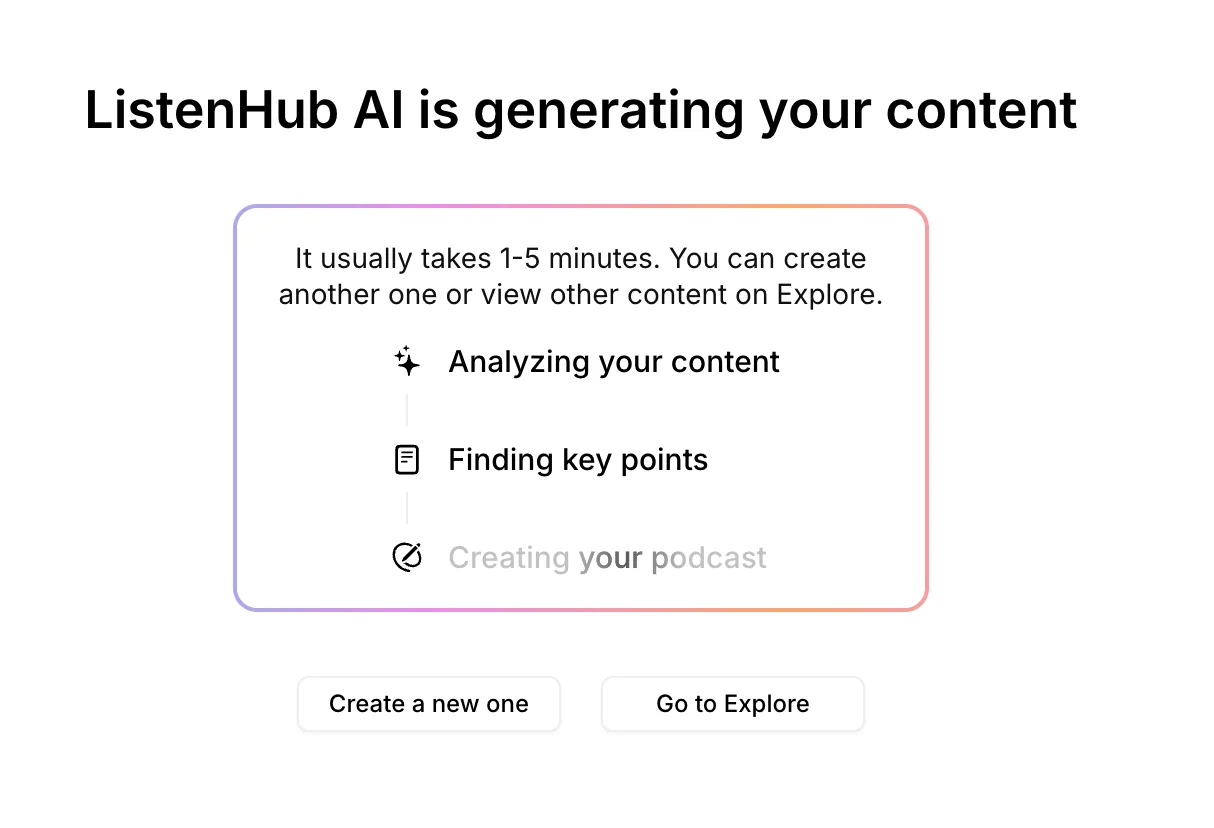
This usually takes one to five minutes, depending on how much there is to say. You don't have to watch it happen. Close the tab, start a second episode, or go see what other people have made in Discover. Your episode will be in your library when it's done.
Step 5: listen

That's the finished episode. ListenHub wrote the title, pulled a cover image, and listed the sources it read, so you can check where anything came from. Press play.
Where to go next
- Feed it your own material instead of a topic: generate a podcast from your own files.
- Read a document aloud instead of turning it into a conversation: text to speech.
- Put your own voice in the episode: voice cloning.
- Turn a topic into something people watch: explainer video.
That's all of it. For your first episode, pick a topic you genuinely care about rather than one you think will make a good demo. You'll judge the result far more honestly.
Happy creating.