Turn your own PDFs, docs and links into a podcast
Upload PDFs, Word files, EPUBs, images or links, up to five sources at once, and ListenHub turns them into a two-host podcast. Formats, limits and costs.
Most tools want a topic. Often you already have the material: a research paper you never finished, a 40-page vendor report, six tabs you have been meaning to read since March.
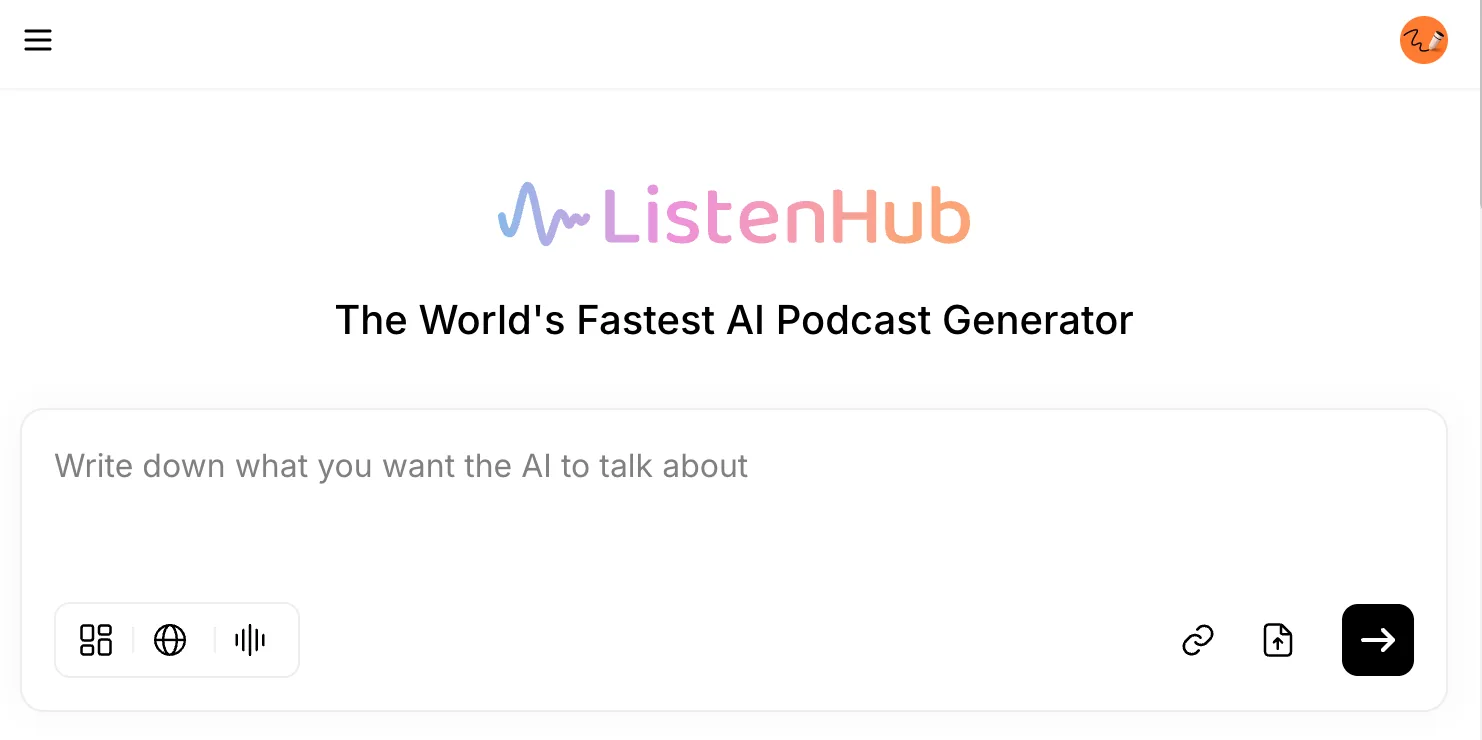
ListenHub takes those directly. Drop your sources into the podcast tool, and it reads everything, works out what matters, and records a two-host conversation about it. This guide covers what it accepts, how to combine sources, where the real limits sit, and what it costs.
What ListenHub accepts
Three kinds of source, mixed freely in a single episode.
Files. PDF, DOCX, TXT, MD and EPUB, plus JPG, PNG and WEBP images. Use the upload icon on the right of the composer or drag files onto it. Note that it is DOCX specifically, not the older DOC format, and there is no PPTX, XLSX or CSV support today.
Links. Any public http or https address. The paste-link dialog asks for a link "from any media or blogs" and shows YouTube, Substack, Medium, X and Reddit as examples of what people paste, but an ordinary article URL behaves exactly the same way. Local and private network addresses are rejected.
Pasted text. Up to 500,000 characters in one block. This is the escape hatch for anything in a format ListenHub cannot open: paste the contents and it becomes a source like any other.
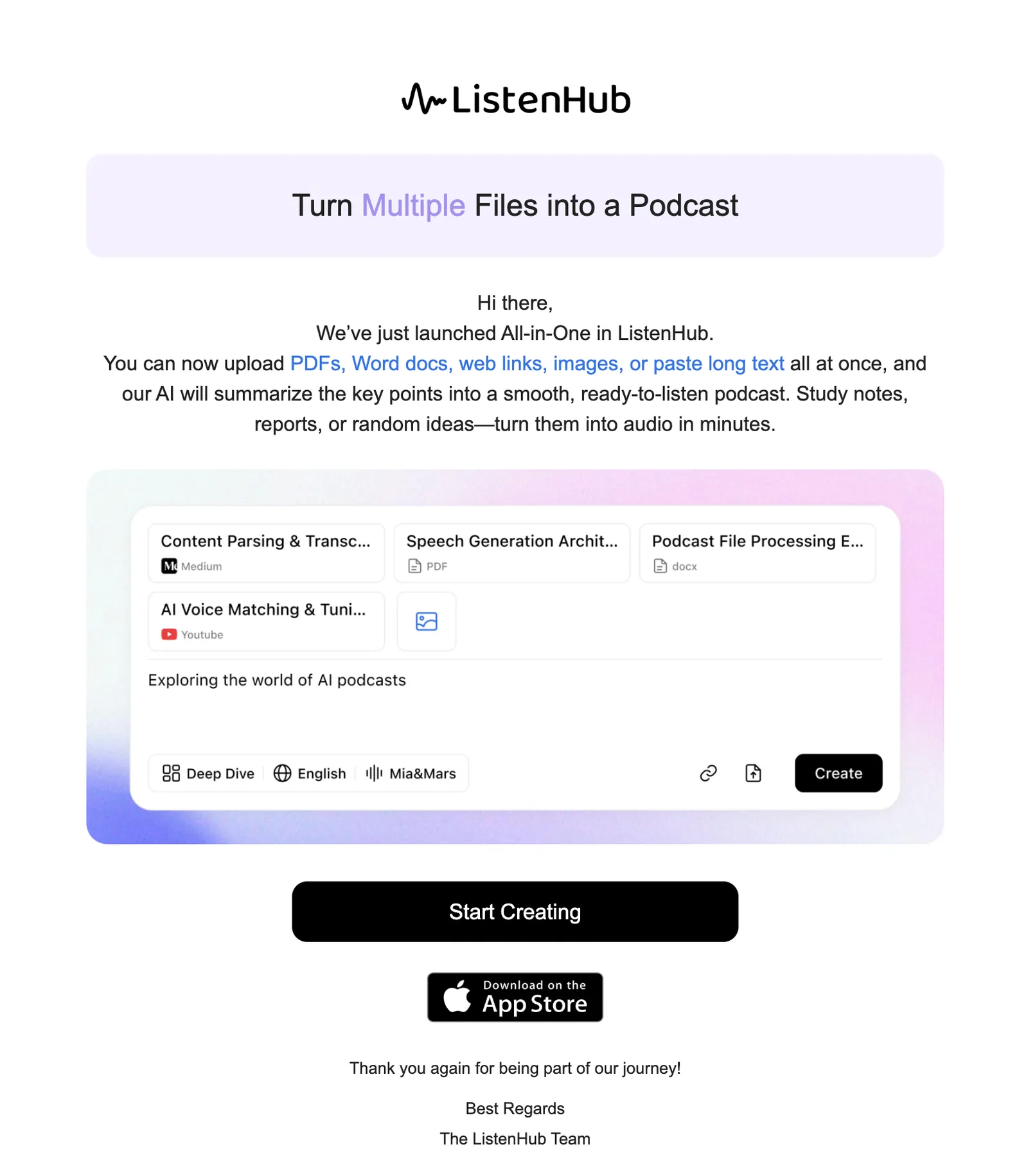
Mixed input arrived in July 2025, and the announcement at the time made the point better than a paragraph can:
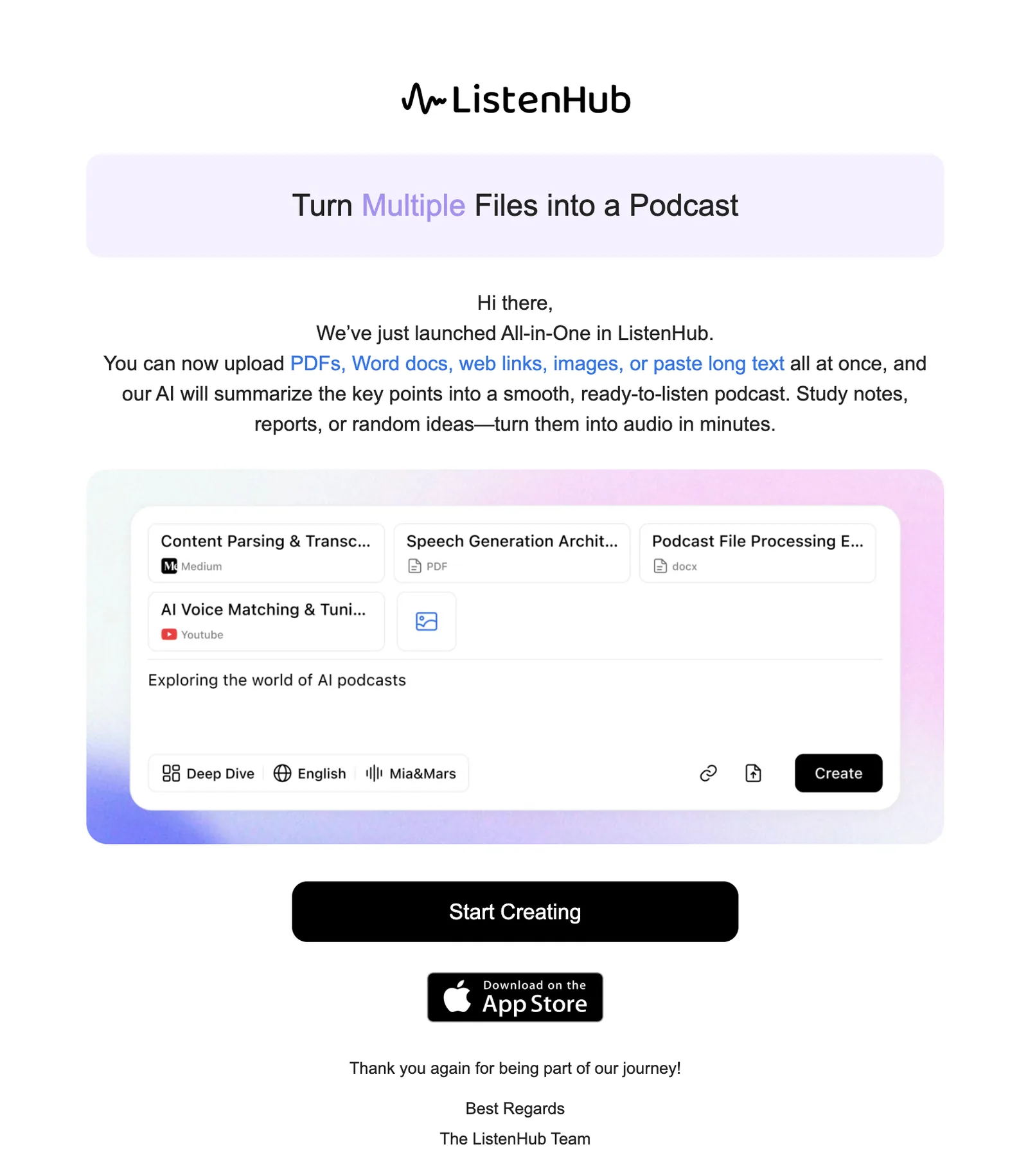
Combine up to five sources
An episode holds five sources in total, counted across files, links and pasted text together. That total is worth remembering, because it changes the kind of thing you can ask for.
One source gets you a summary. Several get you a synthesis, which is usually what you actually wanted:
- Lecture slides, the assigned reading and your own messy notes, turned into one revision episode.
- A competitor's pricing page, their launch post and the analyst PDF your team keeps citing.
- Two papers that disagree with each other, so the hosts have to reconcile them out loud.
- A long report plus the news article about the report, so you get the claim and the reaction.
Give files distinct names before you upload. Two sources with the same filename are rejected, which bites when you have three things called report.pdf.
The limits, precisely
| Source | Limit |
|---|---|
| A single PDF | 30 MB |
| Any other document (DOCX, TXT, MD, EPUB) | 15 MB |
| A single image | 7 MB |
| All files in one episode, combined | 30 MB |
| One pasted text block | 500,000 characters |
| Sources per episode | 5 |
The combined 30 MB ceiling is the one people hit first. A single 30 MB PDF is fine on its own; the same PDF plus a second large file is not.
What makes a good source document
File size has almost nothing to do with episode quality. Two documents of identical size can produce completely different results.
Real prose beats layout. Reports, articles, papers and documentation work well. Slide decks that are mostly diagrams with six words per slide give the hosts very little to talk about.
A PDF needs a text layer. Scanned pages and photographed documents are images as far as any text extractor is concerned. If you cannot select the text in your PDF reader, ListenHub cannot read it either. Run it through OCR first.
Links need to be publicly readable. Anything behind a login, a paywall or an internal SSO gate returns whatever an anonymous visitor sees, which is often a sign-up prompt. If a page matters and is gated, copy the text and paste it instead.
Keep one episode to one subject. Five sources about the same question produce a focused episode. Five unrelated documents produce a meandering one, because the hosts are trying to serve every topic at once.
Long or dense documents
The size limits are generous in bytes, but a 300-page book is still very long next to a 10-minute episode. Something has to compress, and by default that decision is the model's.
Two ways to keep control of it:
Narrow the input. Extract the three chapters you care about and upload those rather than the whole volume. A smaller, better-chosen source consistently beats a complete one.
State your angle. The text box in the composer is not just for topics. Type what you want out of the material — "focus on the methodology, skip the literature review" — and upload the file alongside it. Sources set what is in scope; your instructions set the emphasis.
Length also depends on the mode chip. Quick Insight targets 3 to 5 minutes, Deep Dive 6 to 10. Deep Dive is the right call for a substantial document, though treat both as targets rather than hard ceilings: dense material runs long.
What happens after you hit Create
ListenHub analyzes your sources, pulls out the key points, then writes and records the conversation. That is a genuine transformation, not narration. The hosts discuss your document, quote from it, disagree about it and connect it to the other sources you supplied. Nobody reads it aloud line by line.
If verbatim is what you actually want — a contract, a script, something where the exact words matter — use text to speech instead. Our post on written-to-spoken TTS covers how that engine handles written text.
The finished episode lists the sources it used, so you can check where any particular claim came from. Generation usually runs one to five minutes. You do not have to sit and watch it; close the tab and the episode will be waiting in your library.
What it costs
Credits are charged for the episode you generate, not per source. Uploading five files costs no more than uploading one. What sets the price is the length and mode of the finished podcast.
As a reference point, a five-minute podcast runs about 24 credits, and the mode picker shows the cost of each option before you commit. Every account starts with a credit allowance, and paid plans add a monthly grant on top; the pricing page has the current numbers, and the credits guide explains how monthly, permanent and limited-time credits are spent.
Where to go next
- New to all of this? Start with creating your first AI podcast.
- Want your own voice hosting the episode: voice cloning, then browse the stock catalog at /voices.
- Want something people watch rather than listen to: explainer video.
Best first attempt: take the document currently sitting unread in your downloads folder, add the one link that made you save it, and hit create. Ten minutes of listening will tell you whether the other 40 pages are worth your afternoon.